 Can be activated Worldwide
What You Get
Only 1 left!
100% Valid Key Guarantee
Invalid key? Contact support within 30 days for a replacement or full refund.
Details
Categories
Languages
English
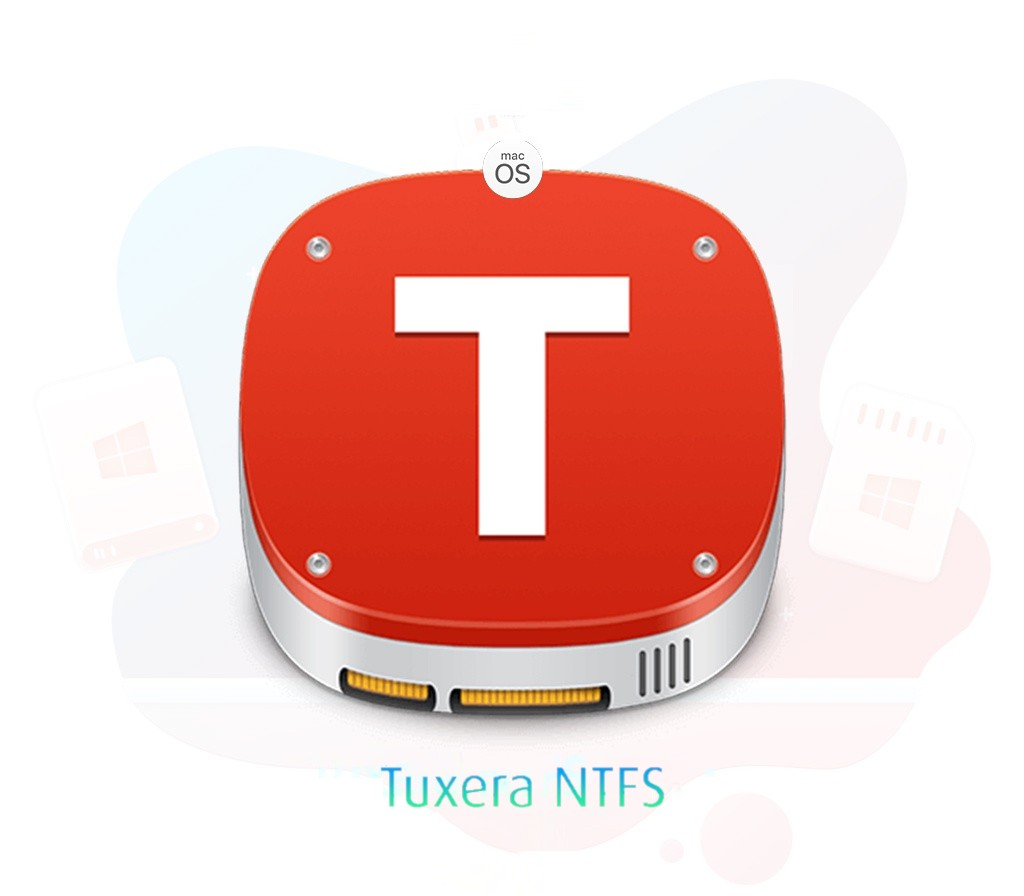
Seamlessly share data between Windows and Mac! Microsoft NTFS for Mac by Tuxera gives you the ability to read and write storage devices such as USB memory sticks or external hard disks that use NTFS – with rock-solid reliability compared to the alternatives! Why do you need Microsoft NTFS for Mac by Tuxera?Open, edit, copy, move, or delete files stored on Windows NTFS-formatted USB drives on your Mac. When you get a new Mac, it’s only able to read Windows NTFS-formatted USB drives. To add, save, or write files to your Mac, you need an add-on NTFS-driver.
Microsoft NTFS for Mac by Tuxera is easy-to-use software that makes this possible. FEATURES Easily swap and change drivesUse the same external USB drives no matter what you use – Windows PCs or Macs. Microsoft NTFS for Mac by Tuxera adds full read and write capability for Windows NTFS-formatted drives.
Preserve what’s importantPeace of mind for your precious moments. Our market-leading NTFS driver stores your videos, pictures, important documents, and other files intact and uncorrupted. Wait less for file transfersMicrosoft NTFS for Mac by Tuxera provides fast, sustained file transfer speeds with our smart caching technology.
That means less time waiting for files to save or copy between your external drive and Mac. Advanced features for technophilesOur software is the only NTFS driver on the market to include support for NTFS extended attributes. You also get Tuxera Disk Manager, a companion app that makes it easy to format, check, and repair NTFS drives.
Plus, NTFS for Mac works conveniently with dual boot or virtual machine set-ups.