Also available on — Tap or hover for details
View all Can be activated Worldwide
 ActionAdventure
What You Get
Only 6 left!
Details
Categories
Release Date
August 17, 2020
Age Rating
PEGI 3
Languages
English
Steam
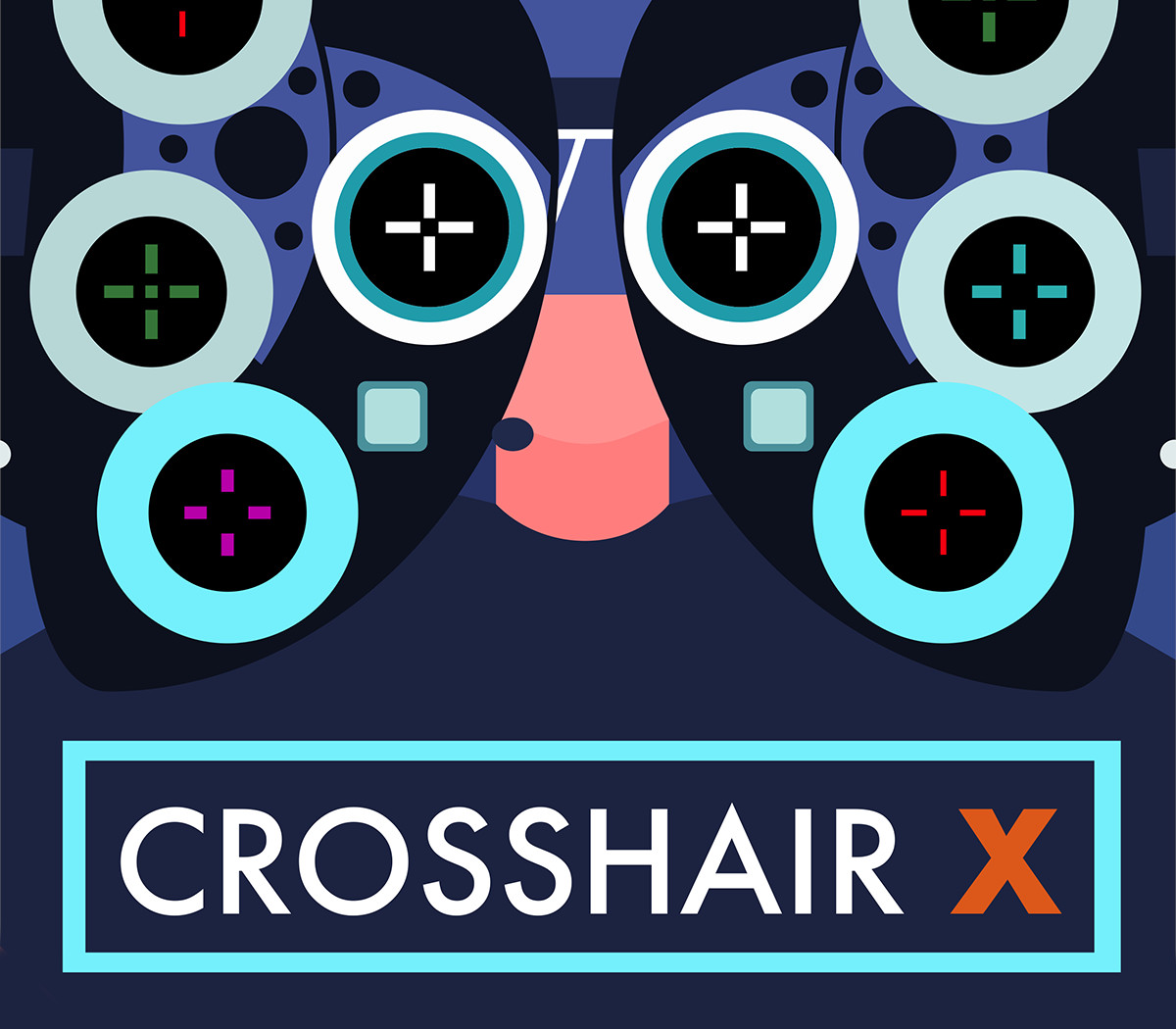
View on SteamGet a competitive edge by customizing your crosshair to be clear and precise on every game you play. You can start out with a featured pro Crosshair or a community design, then make adjustments to create a custom gaming solution that takes your aim to the next level. Features Community: Explore thousands of designs created by the Crosshair X community Designer: Easy to use sliders let you adjust all features of your crosshair Exclusive Fullscreen with Game Bar Extension: Game bar is a trusted and secure game overlay platform that is built by Microsoft for PC gamers.
This is by far the safest and most secure way to overlay games. Share: Share your favorite designs with your friends Images: Upload any image you want to overlay as a Crosshair Toggle: Toggle the visibility of your crosshair with many different mouse states and keyboard shortcuts Positions: Display your crosshair on any monitor and manage saved positions for different games Export: Save your crosshair to your computer as a .PNG or .SVG Customization Options: Lines: Opacity, Length, Width, Offset, Color, Blur, Rotation Center dot: Opacity, Size, Color, Blur Outlines: Opacity, Thickness, Color, Blur T-Shape: Remove top Crosshair arm never, always, or only when firing Bloom: Make the crosshair spread apart when firing Location: Adjust the X and Y coordinates of the crosshair